- Library
- Food & Hospitality
- Automatic Door Maintenance Checklist
Automatic Door Maintenance Checklist
15 questions in 3 sectionsInteractive preview: try the answers
Section 1 of 3 · 5 questionsGeneral
Check that the glass and surrounding frames for damage.
Check that the walk-through area is clear of any obstructions, trip and slip hazards.
Check that the units are secure to the frame.
Check that the door signage is present.
Check that the area around the sensors is clear of any items that may activate the sensor.
Section 2 of 3 · 5 questionsSliding Door
Walk towards the door at a steady pace. The door should open without you having to stop. Check inside and outside.
Place a test box within the door threshold. The door should remain open.
Place a test box below each side screen safety sensor and perform an activation. The door should open at a creep speed.
The door should open on a fire alarm activation.
Check the door on the various key switch settings.
Section 3 of 3 · 5 questionsSwing Door
Check that the barriers are secure.
Walk towards the door at a steady pace. The door should open without you having to stop. Check inside and outside.
With the doors closed place a test box in the path of the doors and perform an activation. The doors should stop when the safety sensors detect the box (no closer than 200mm).
With the doors open place a test box in the path of the doors and allow the doors to close. The doors should reopen when the safety sensors detect the box
Check the door on the various key switch settings.
Checklist by GoAudits. This checklist is an example: we do not guarantee compliance with the laws applicable to your territory or industry. Seek professional advice to adapt it to your workplace or jurisdiction.
Free PDF
Download the Automatic Door Maintenance Checklist
By downloading this checklist you agree to the GoAudits privacy policy and terms of service.
NEW! Try generating a custom checklist with our free AI tool:
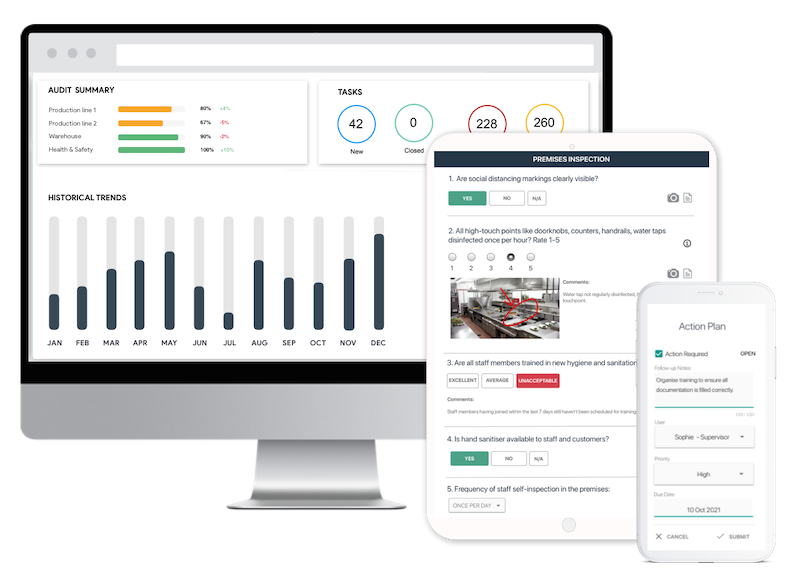
Easy inspection app for your digital checklists
- Conduct inspections anytime, anywhere - even offline
- Capture photos as proof of compliance or areas needing attention
- Instantly generate and share detailed reports after the inspections
- Assign & track follow-up tasks, view historical trends on a centralized dashboard